


Converting your own scans is the part of film photography nobody puts on a postcard. I scan with the film borders, so a big chunk of my time goes into cropping, rotating, fixing the rebate, then moving the file from one piece of software to another because the white balance broke or the gamma got encoded wrong somewhere along the way. It works. It’s also a small pile of hacks I’ve made peace with over the years.
So when Yahya Rahhawi reached out about a converter he’s building, I was curious in a tired way. I’ve seen a lot of these. Most do one thing well and leave you needing three other apps to finish the job. My friend Fabian Socarras told me “I’ve used just about every conversion app out there, and this one by far has been the most complete”. And I completely agree! I’m on the same boat, also used tons of software, and EmberFilm is very promising!
Yahya and I sat down on a Camera Clara livestream and went through an entire roll together, live, with negatives I had scanned that same morning. I’ll post some of the results here, but I strongy recommend watching the whole video.
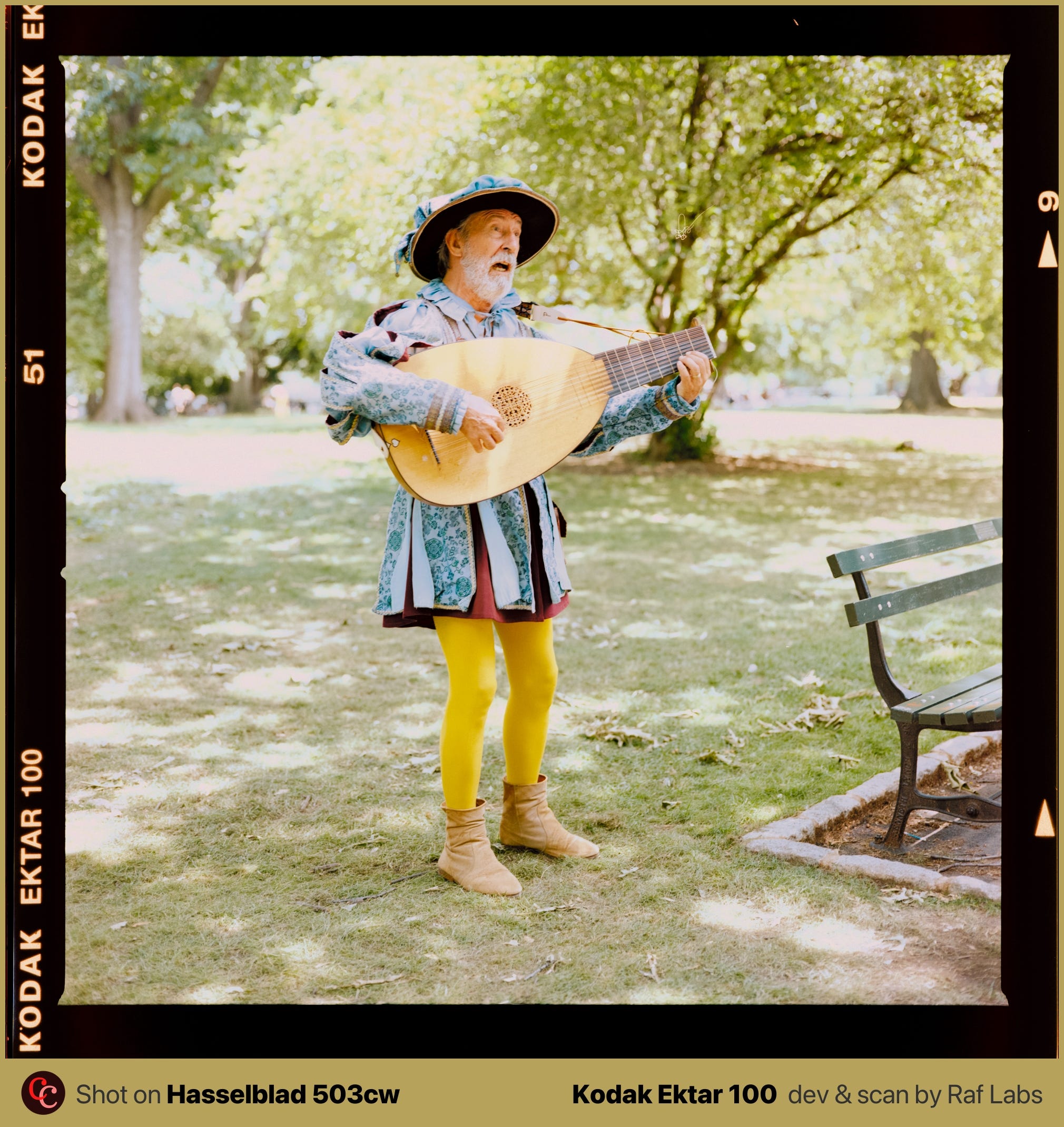
Yahya is a solo developer. He’s a computer science student finishing his degree, he started shooting black and white in a high school darkroom about four years ago, and the app, EmberFilm, grew out of his own frustration with the conversion process (we’ve all been there!). Before this he made a small open source tool that only removed dust. That one got enough good feedback that he kept going, and EmberFilm is the result of a few months of work and more than fifty beta testers texting him every single day.
What got me is how much is already in there for a first release.
The part I want people to understand first is the AI, because the words “AI” and “film scanning” in the same sentence usually make us all nervous. The software uses machine learning for dust detection, for the auto crop that finds your frame inside the border, and for white balance. The dust model is the clever one. It reads the actual RGB pixels, no infrared channel, and it still finds the specks and paints them out while keeping the grain intact.
And all that runs on locally on the machine.
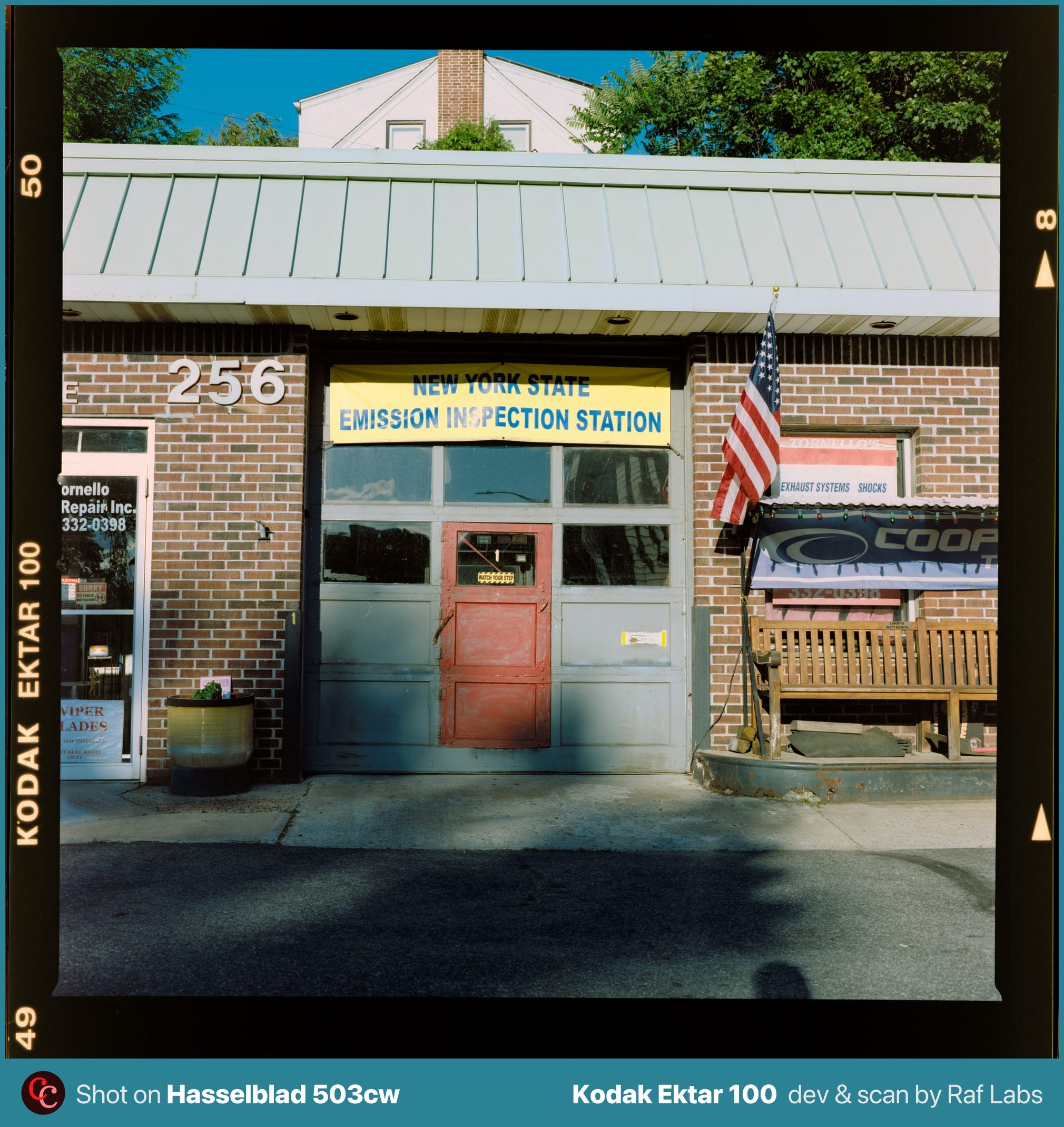
I repeat. Every single AI feature runs in my machine only. Nothing gets uploaded. Your scans never leave your laptop, the models are compressed to run locally, and there’s no account, no cloud, no app quietly phoning home to a server somewhere. Yahya was clear about this on the stream and I think it matters. This is a good use of AI.
The other thing I kept noticing was the one button conversion. You import the roll, you hit convert, and the scans come out looking right. That sounds basic. A lot of converters still get it wrong, and you end up babysitting every frame to make it usable. EmberFilm treats a project like a roll, reads the white balance once, and keeps it consistent across the whole strip, which is most of what I actually want from a converter.
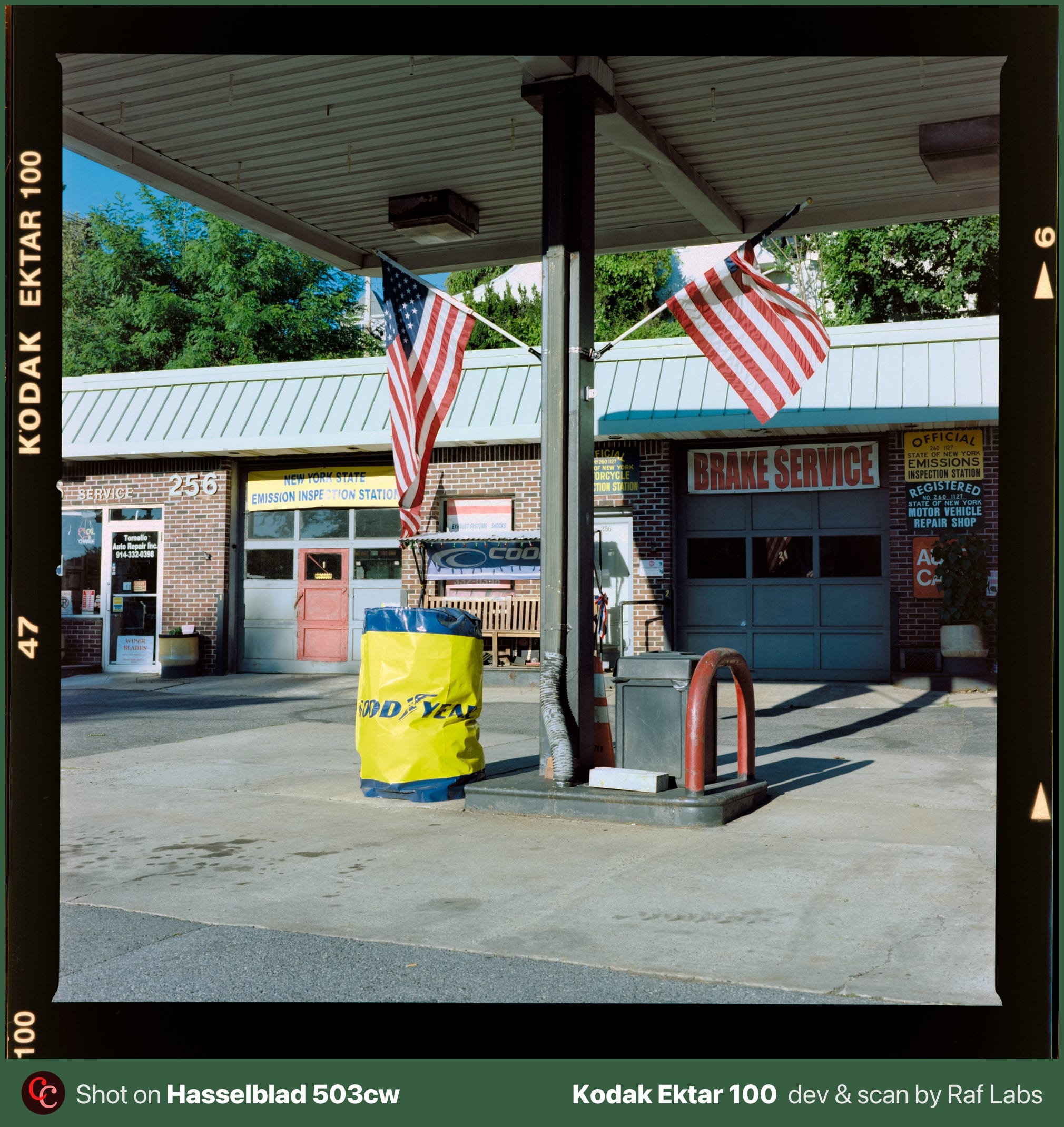
Now the part I cared about most. EmberFilm doesn’t push its own look on you. It doesn’t bake in a LUT to fake a “filmic” result and call it a day. It pulls the information out of the negative, the way a Frontier or a Noritsu does, and hands you a clean, flexible file you can take wherever you want. If you feel like adding a print look later, you can. That’s your call, not the app deciding for you. Portra 400 should look like Portra 400. One version of it, please.
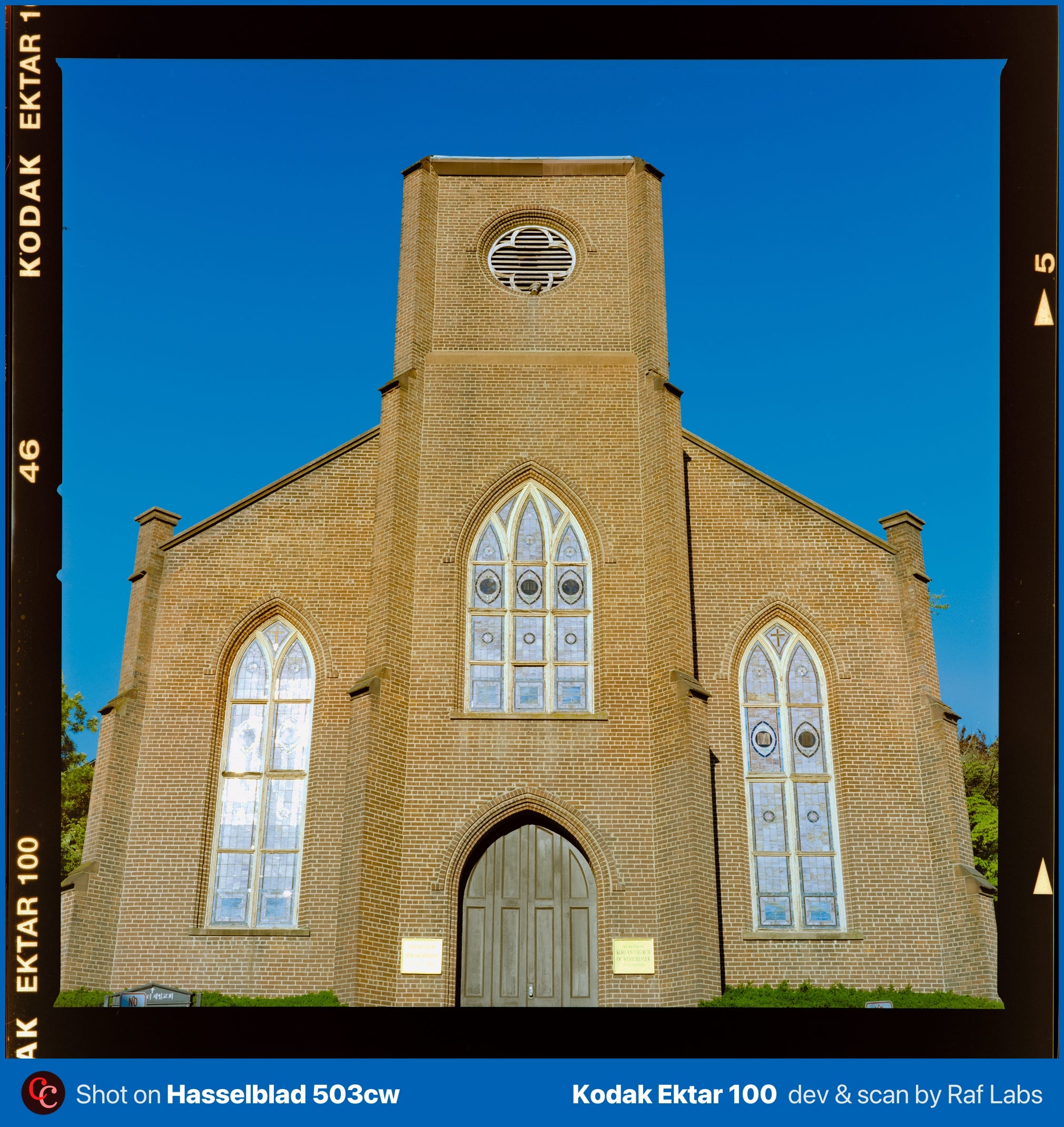
We hit a couple of bugs on the stream. An export that failed, a zoom that crashed because I zoomed in to roughly a billion percent. Beta things. None of it changed my read. The conversions were fast on 80-something megabyte GFX files, the memory use stayed around half a gigabyte, and the results were genuinely good.
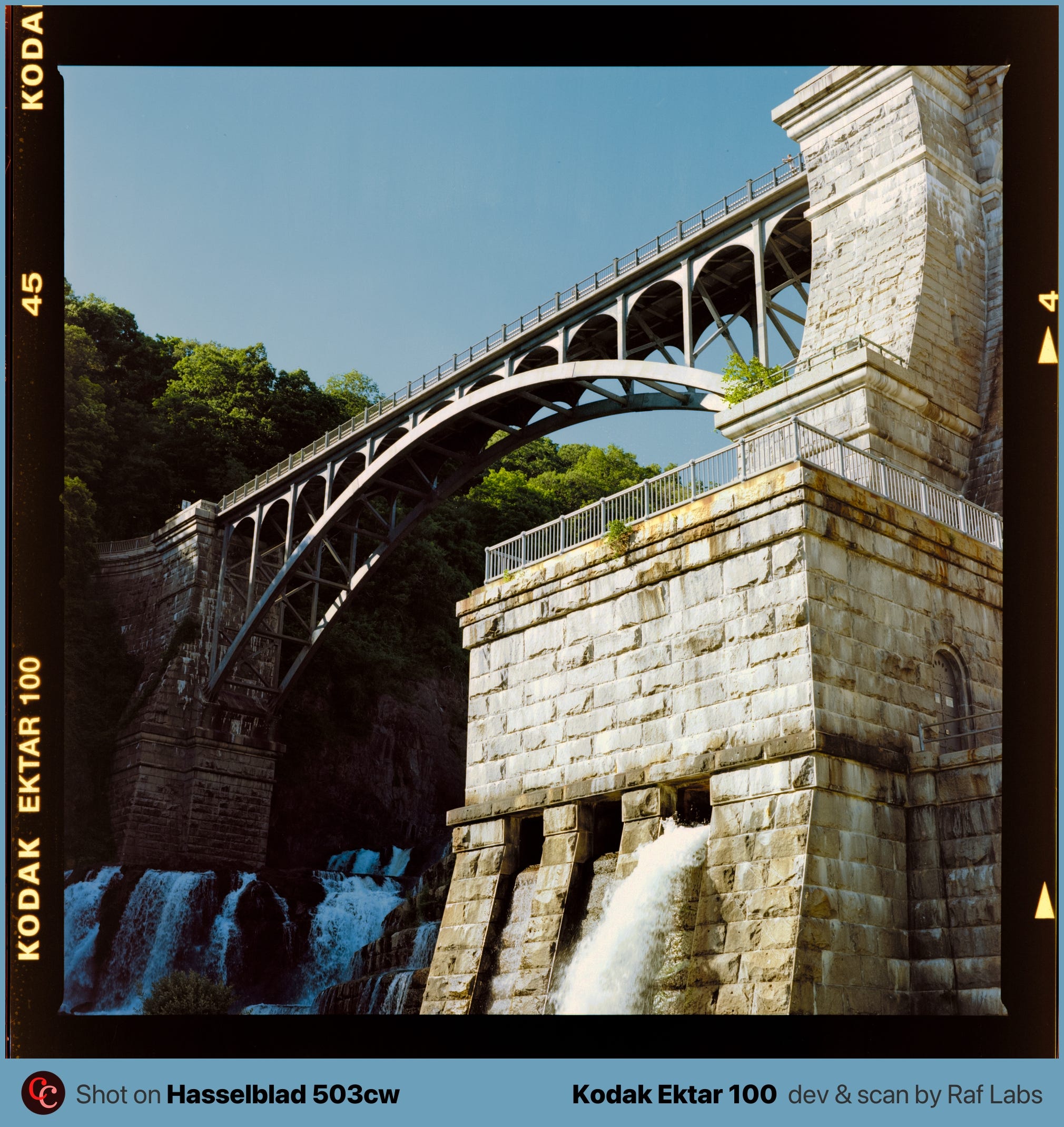
EmberFilm is Mac only for now, still in beta, with a waitlist on the site. No firm release date yet.
Info and Links
The app lives at emberfilm.app, where you can join the beta waitlist. The instagram is @emberfilm.app.
One flag: there’s also an Instagram account called @ember_films (plural, with an underscore), that one does NOT belong to the app rather than some unrelated video outfit. Check it before you link it.
This was our first livestream with Yahya and I doubt it’ll be the last. He’s that rare developer who’s also the user, and I want to keep following where this goes. For the record, nobody paid for this post. I just liked the software and contacted him out via Instagram. Thank you, Yahya! 💪 🇮🇶 🎞️ ✨



