


If you are not aware, halation is that glow you see around bright highlights on film, it typically blooms in street lights and neon signs, and it happens because bright light passes all the way through the emulsion, and reflects from the camera back, back to the emulsion. Something like like light rays piercing through something, literally. Here’s an example of it, shot on CineStill 800T, a film known to be the Queen of the Night:
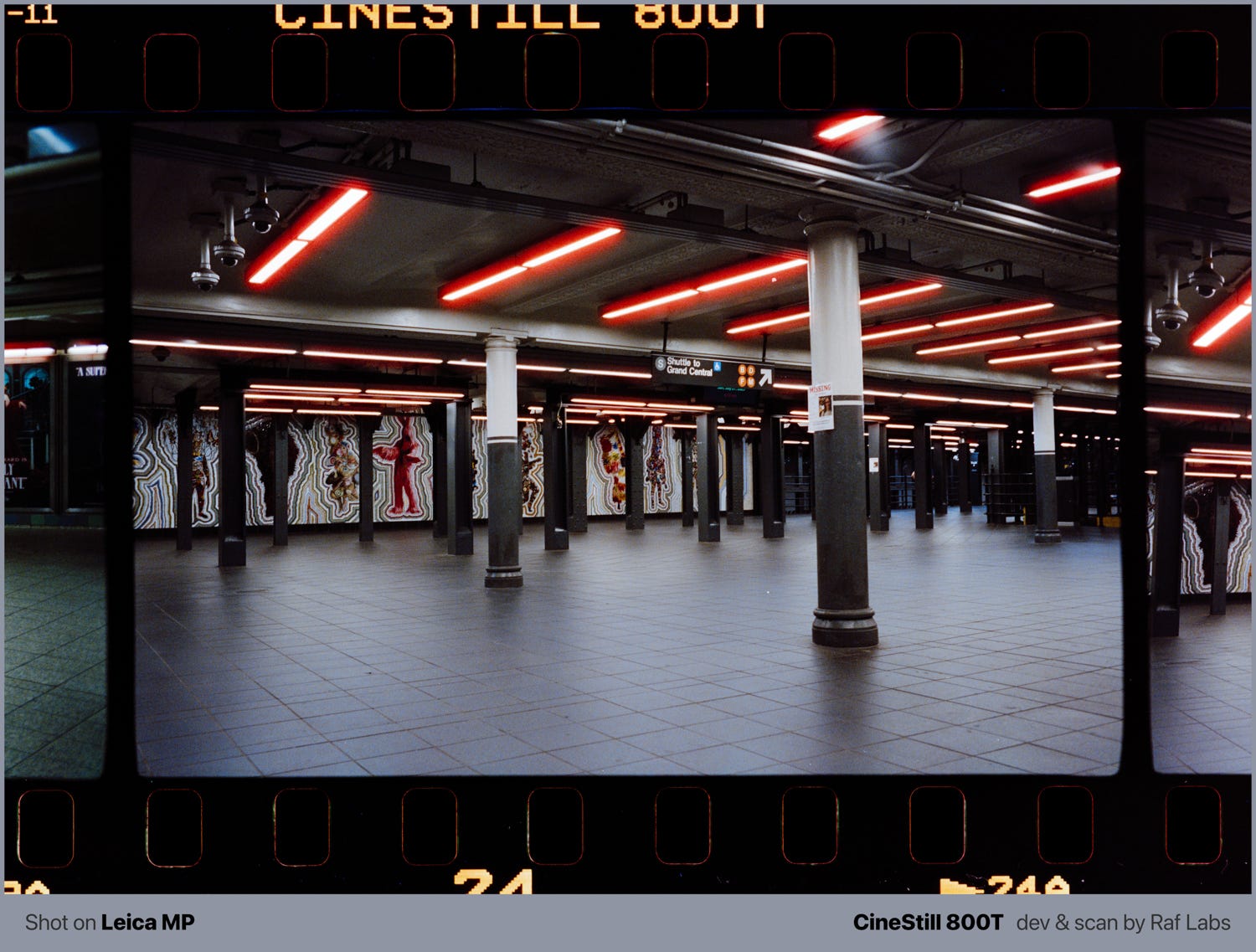
The halation in this scene, shot in a NYC subway station appears in red because the red layer sits deepest in most emulsions (closest to the camera back), so it catches most of that bounced light. That’s why the halo usually looks red or orange, typically red.
Now, let’s talk about software and digital photos…
I’ve been using film simulation software to catch that effect. I tried Dehancer and DxO FilmPack, and wrote reviews about both here, links below:


If you read both articles above, you will see that DxO FilmPack can’t do halation, failing on the emulation of CineStill 800T. Dehancer does it at the cost of having to interrupt my typical digital photo editing workflow, which goes through Adobe Lightroom.
Before I start criticizing, I must say this is something not easy to reproduce via software simply because software was not present in the scene where the phenomenon happened. All software can do is to use what it has, or the scene contrast, to measure when halation would blow out of a highlight or not.
If you have neon lights, or lightbulbs, that’s a super strong contrast ratio and it’s almost certain that the halation effect would bloom out of that, but sometimes there are nuanced aspects that only someone experienced in shooting the real film would be able to tell if a halation would pop at a specific place, or not…
Now, Lightroom also does it, with some controls, still not on masks though, and having halation with masking would be instrumental for a knowledgeable editor to mask out halation from a specific part of the scene.
It’s still not there, but I’m gonna say it’s decent enough to start. And it also does other types of blooming. You can find it under “Bloom”:

And here’s a result:
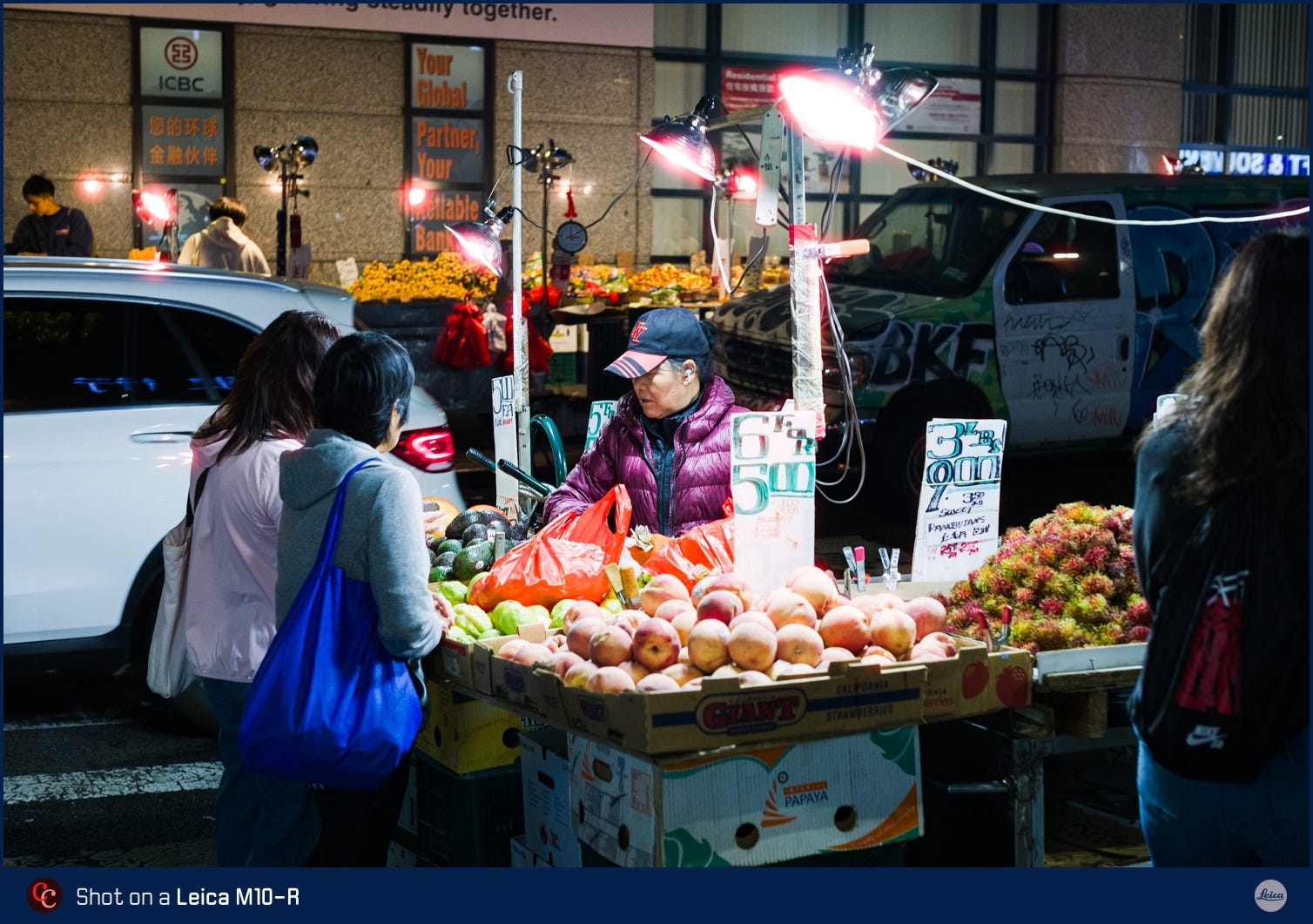
I think I am satisfied with that I see, and that opens tons of possibilities now for my digital workflow. Thanks, Adobe!
Also, some expertise is still required to operate this. You MUST know where halation would pop on film, you CANNOT judge it just by looking to the contrast in the scene. You have to INTERPRET the scene and ask yourself “would halation bloom here? Up to what point?”
Then, you can push these sliders correctly. And for that exact reason, presets wouldn’t work.
Here’s how you could mess it up
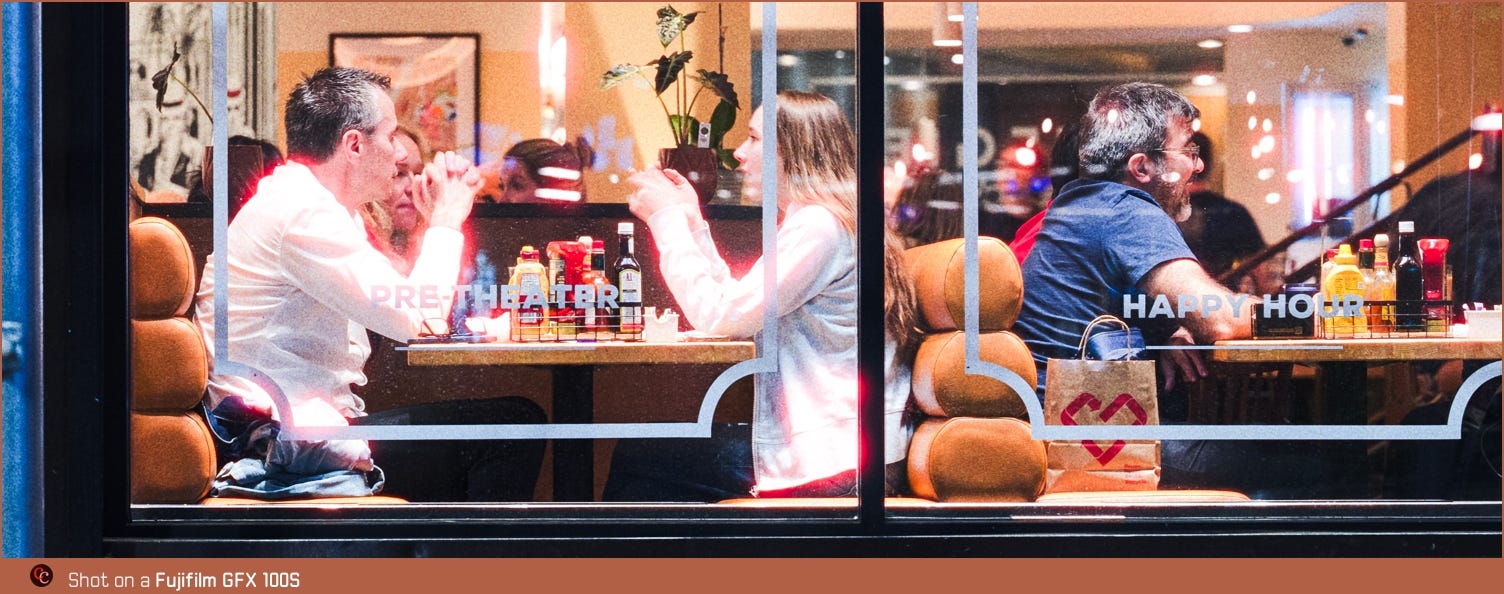
In this scene, you have contrast because both the man and the woman are wearing white clothing over a dark background. But that is very LOW LIKELY to cause a halation bloom in real life, because although the contrast difference is there, their white clothing do NOT represent a SPECULAR LIGHT in the scene.
It can happen, but it’s more rare on film. Halation typically blooms out of specular lights.
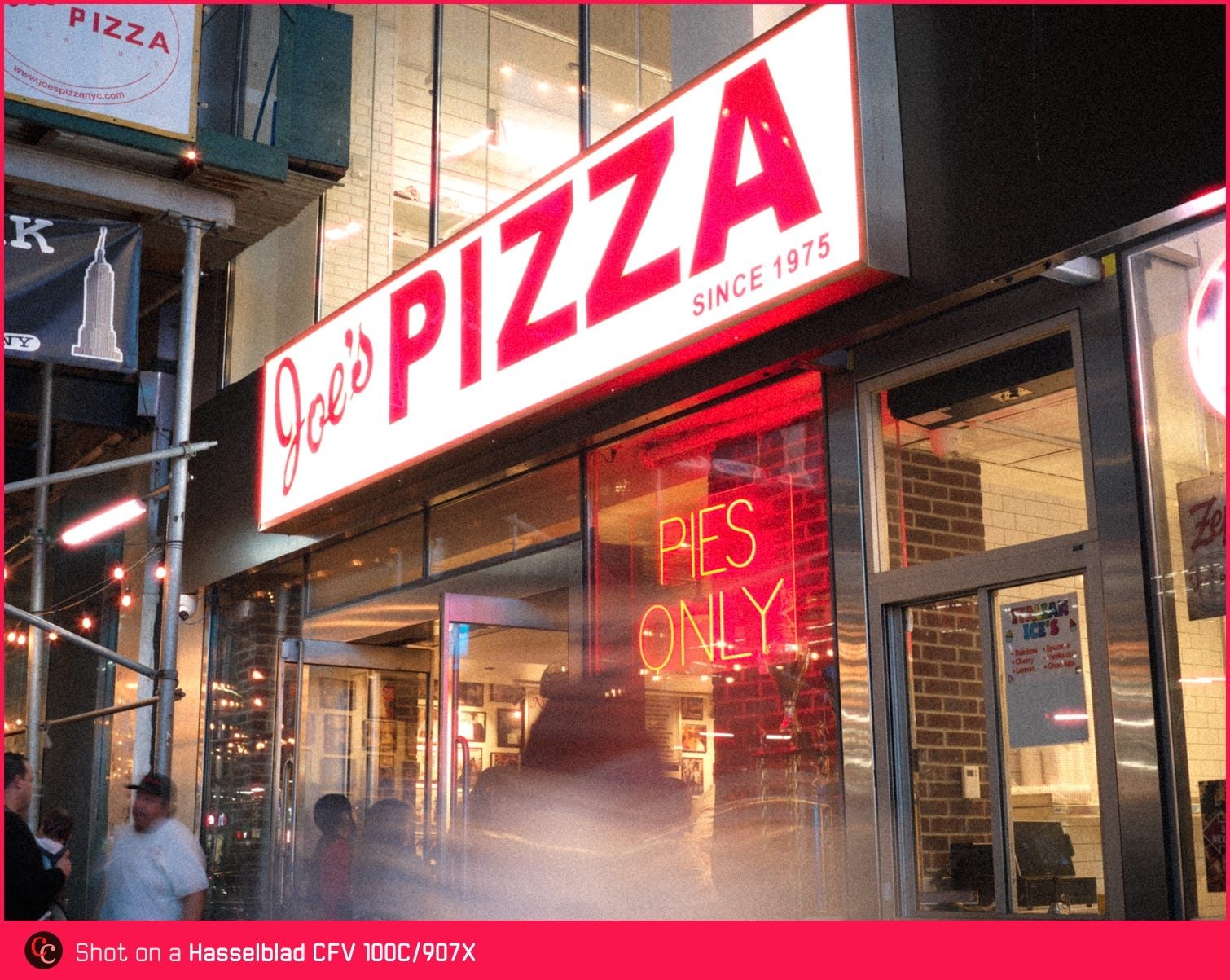
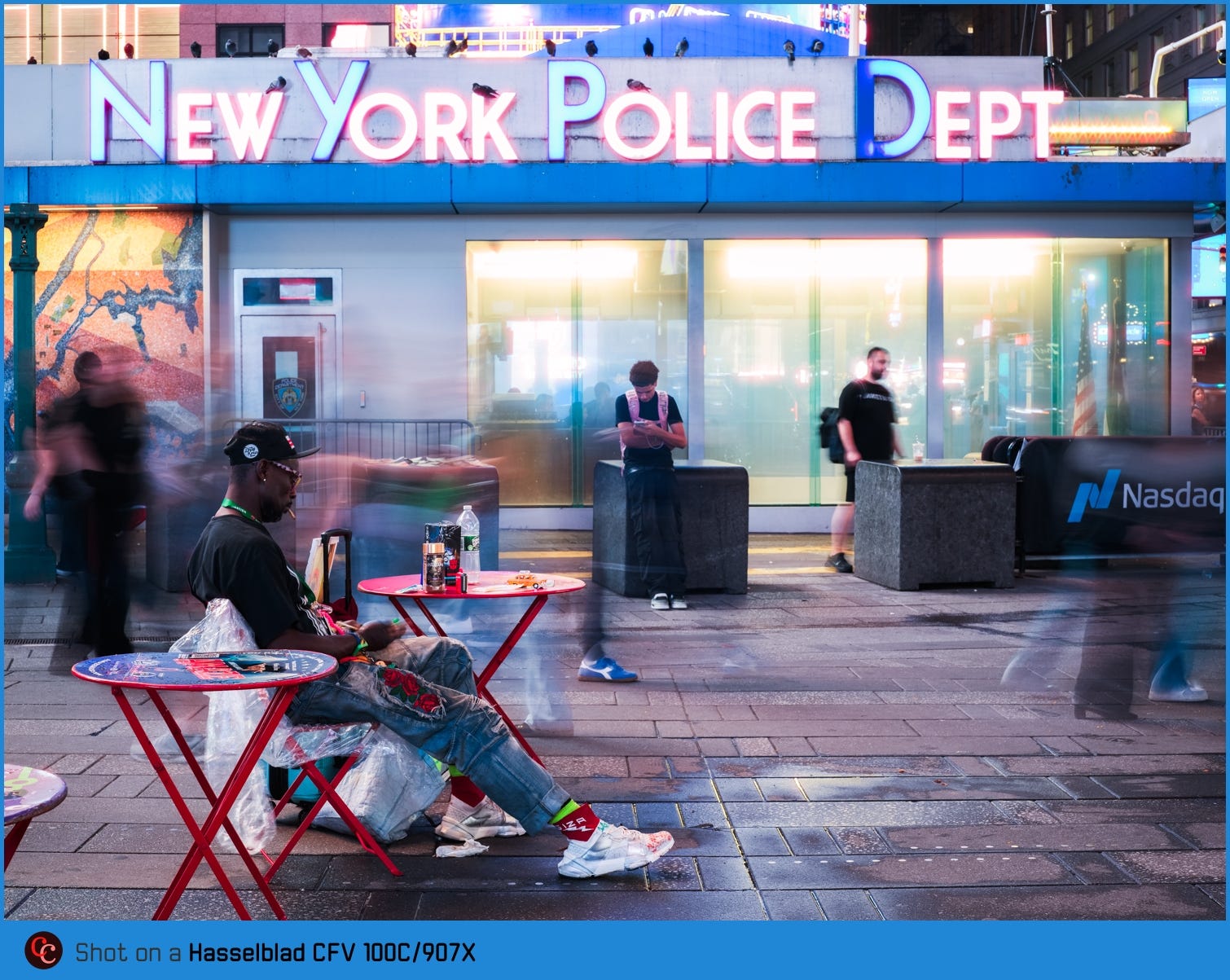
More samples
Do I like it?
Hell yeah. Gimme options!

Thanks for reading Camera Clara, the Publication that helps you learning more about photography culture, keeping high standards with fine art, publications, prints, books, and all the good elements photography can offer to us all. ❤️
Please consider subscribing to for more articles right in your inbox! Quality over quantity, with the forever love for film photography and its techniques. With a paid subscription, you can also send me a DM anytime, and we can arrange video calls where I can help you with your photograph needs, up to you, of course, no pressure!
